Store Accounting Tool : Purchase Dashboard
Purchases are the fuel that keeps the engine of commerce running smoothly. So It's very important for a business to manage purchase account so that it can lead to prosperous tomorrow. Our compact mobile solution can overcome challenge of managing purchases, transaction, purchase return and other metrics. Simplify your purchase processes with a powerful yet intuitive mobile application designed for quick data entry and visibility on the go. Here we provide a brief overview of purchase in Store Accounting Tool

 Purchase Firm Dashboard
This feature of Store Accounting Tool allows user to manage all different parties with their Address, GST No and other details. A user can add, edit and delete parties detail on go to manage their account balances. We Also provide a feature to download PDF and EXCEL file for parties data to share across all device or save for future reference. These detail also to help to create Label for Products to identify party of products in case of Stock Estimation or Damage Exchange.
Last updated 3 mins ago

 Purchase Bill Dashboard
Store Accounting Tool facilitate a user to create, edit and delete purchase bill of party for active store firm. A user can create a bill with value i.e. Taxable Amount and GST detail or products with quantity, price and GST rate. With detail bill entry in Store Accounting Tool to create Inventory for store and estimate correct stock in firm. A use can also download PDF and EXCEL file to share across all devices or save for future reference.
Last updated 3 mins ago

 Purchase Return Dashboard
To Exchange damage goods with purchase party, Store Accounting Tool provide a option to create, edit and delete detail i.e. product's code, quantity, price and GST rate. These calculation also help Store Accounting Tool to calculate balance of purchase part, GST return and correct estimation of stocks in store. A use can also download PDF and EXCEL file to share across all devices or save for future reference.
Last updated 3 mins ago

 Transaction Dashboard
Store Accounting Tool allows a user to create, edit and delete transaction to purchase part for active store firm. A user can create and edit payment in case of cash, check with their remark and detail. These calculation also help Store Accounting Tool to calculate balance of purchase part, GST return and correct estimation of stocks in store. A use can also download PDF and EXCEL file to share across all devices or save for future reference.
Last updated 3 mins ago

 Purchase Reports
Purchase Reporting feature allow user to see journey of store for particular financial year. Here a user can observe products purchase summary and download purchase reports in PDF & Excel format for month or a specific period. Store Accounting Tool also calculate balance for purchase party in financial year which can be print and download. A user can also migrate Sales report in Tally desktop to see bigger picture and file GST Return GSTR1, GSTR3B or CMP08.
Last updated 3 mins ago
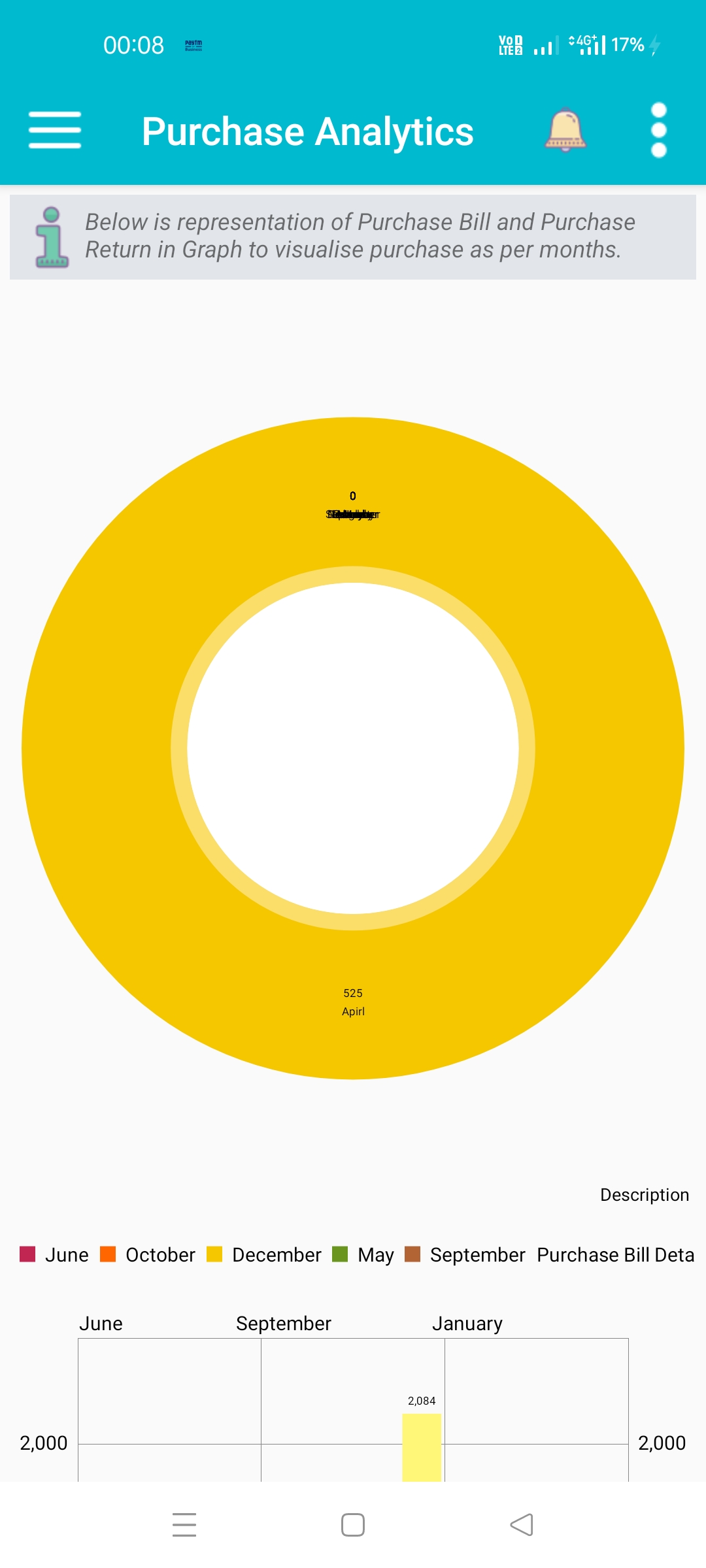
 Purchase Analytics
Data visualization give a quick picture in mind for business profitability and smooth running. Here a user can see data in chart to understand financial of business. Store Analytics feature allows a user to a add Stocks information to follow tends and hot selling products of store.
Last updated 3 mins ago
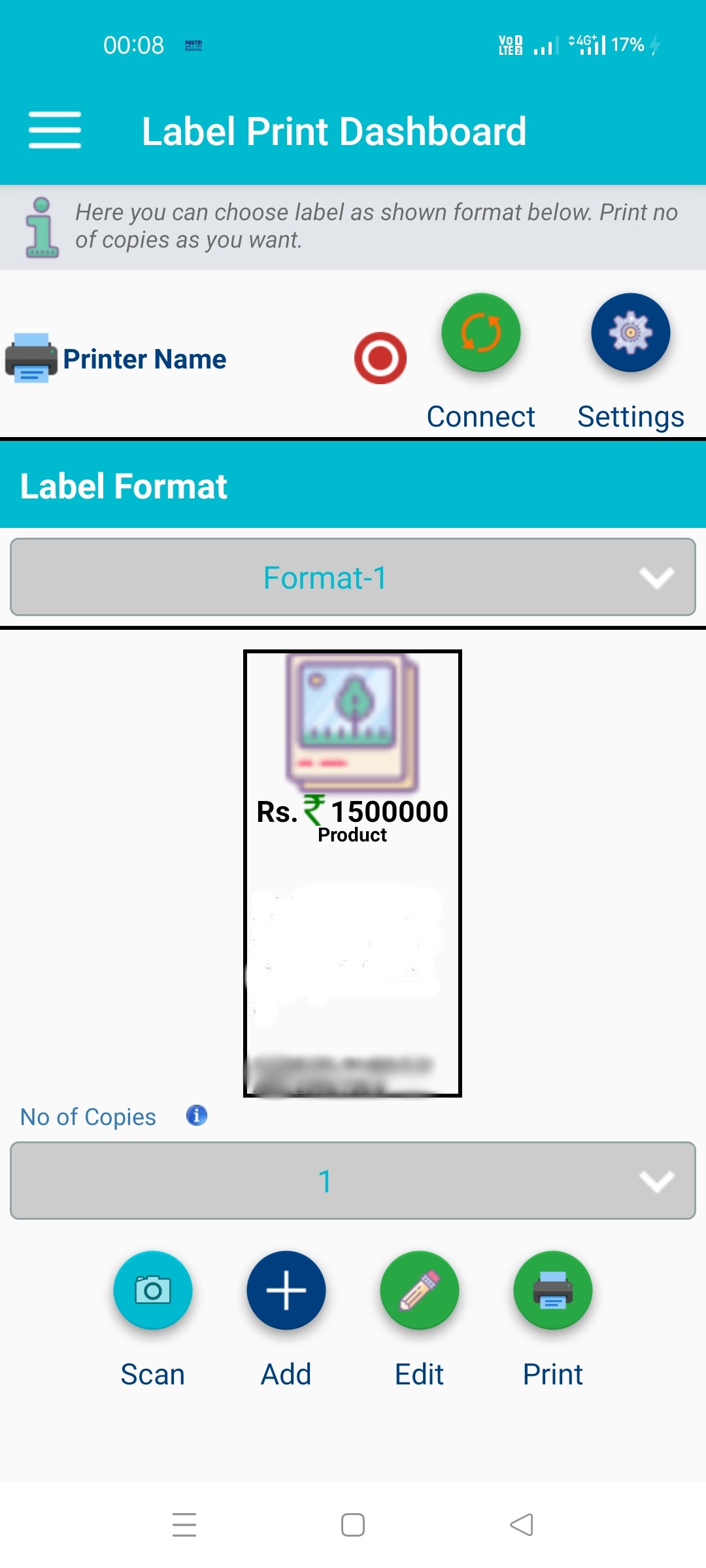
 Products Label
Labeling of Products is important for Stock estimation of purchase party and damage exchange. Store Accounting Tool allows a user to create QR Label for products to generate quick invoice by scan QR code. Labeling of products also help to create inventory for active store firm. Store Accounting Tool support Bluetooth, WI-FI printer of Brother to create quick labels. A user can customized or create different type of label for products and store.
Last updated 3 mins ago