Store Accounting Tool : Payroll Dashboard
A payroll feature in a store accounting app allows businesses to efficiently manage employee compensation and related financial tasks. The payroll module allows businesses to store and manage employee details such as names, contact information, and employment status. The Store Accounting Tool enables businesses to track employee attendance, working hours, and overtime. The application automates salary calculations based on various factors such as hourly rates, regular and overtime hours worked, and advances. The payroll module integrates seamlessly with the Store Accounting Tool's general ledger, allowing for accurate financial reporting and reconciliation. Here we provide a brief overview of payroll in Store Accounting Tool:
 Employee Dashboard
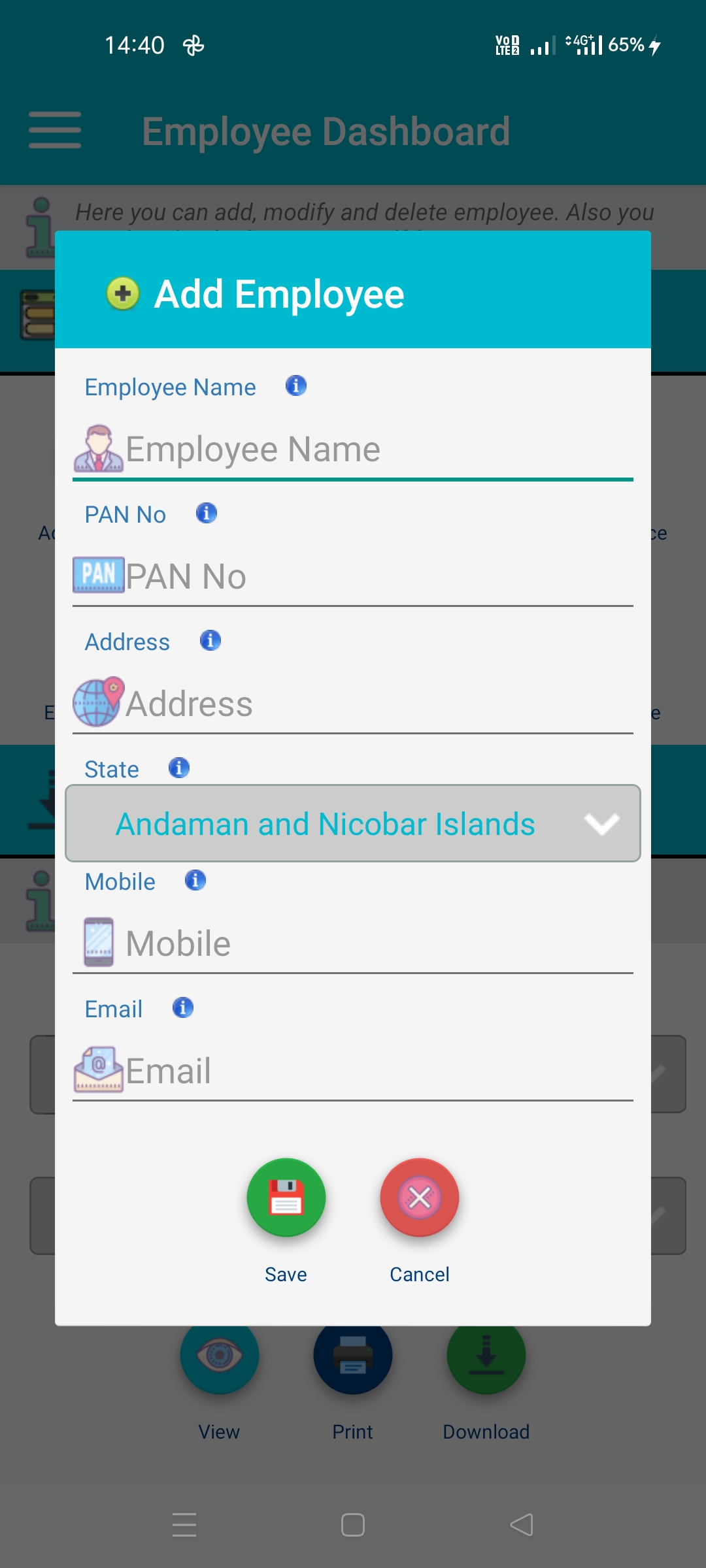
This feature of Store Accounting Tool allows a user to create, edit & delete employee information. A user can also add employee information like name, mobile, email, address and basic salary. Here on dashboard a user allowed to download PDF and EXCEL information of employee so that it can be share across all devices. These all employee information are specific to active firm once it changed from setting then it will reload. A basic salary of employee help Store Accounting Tool to auto calculate salary for employee in month of financial year.
Last updated 3 mins ago
 Attendance Dashboard
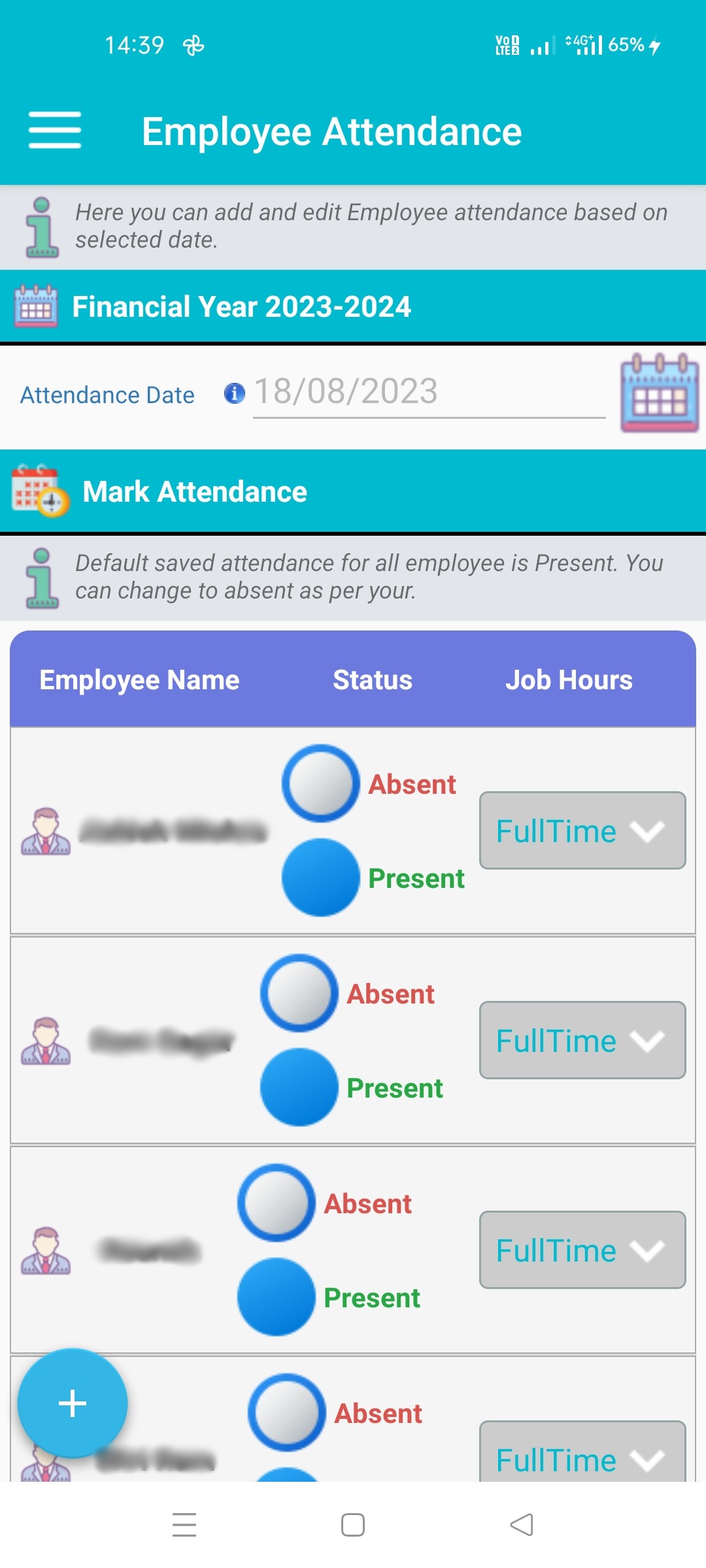
Store Accounting Tool allow user to mark attendance of employee absent, present or working hour. A user can create edit and delete mark attendance for employee. As per mark attendance Store Accounting Tool auto calculate salary of employee in month of financial year. If attendance has not been mark for date system by default mark present for all employee of active store firm. In case of working hour Half or Full time decide wages of employee for same day. A user can print and download(PDF or EXCEL) marked attendance.
Last updated 3 mins ago
 Employee Credit Dashboard
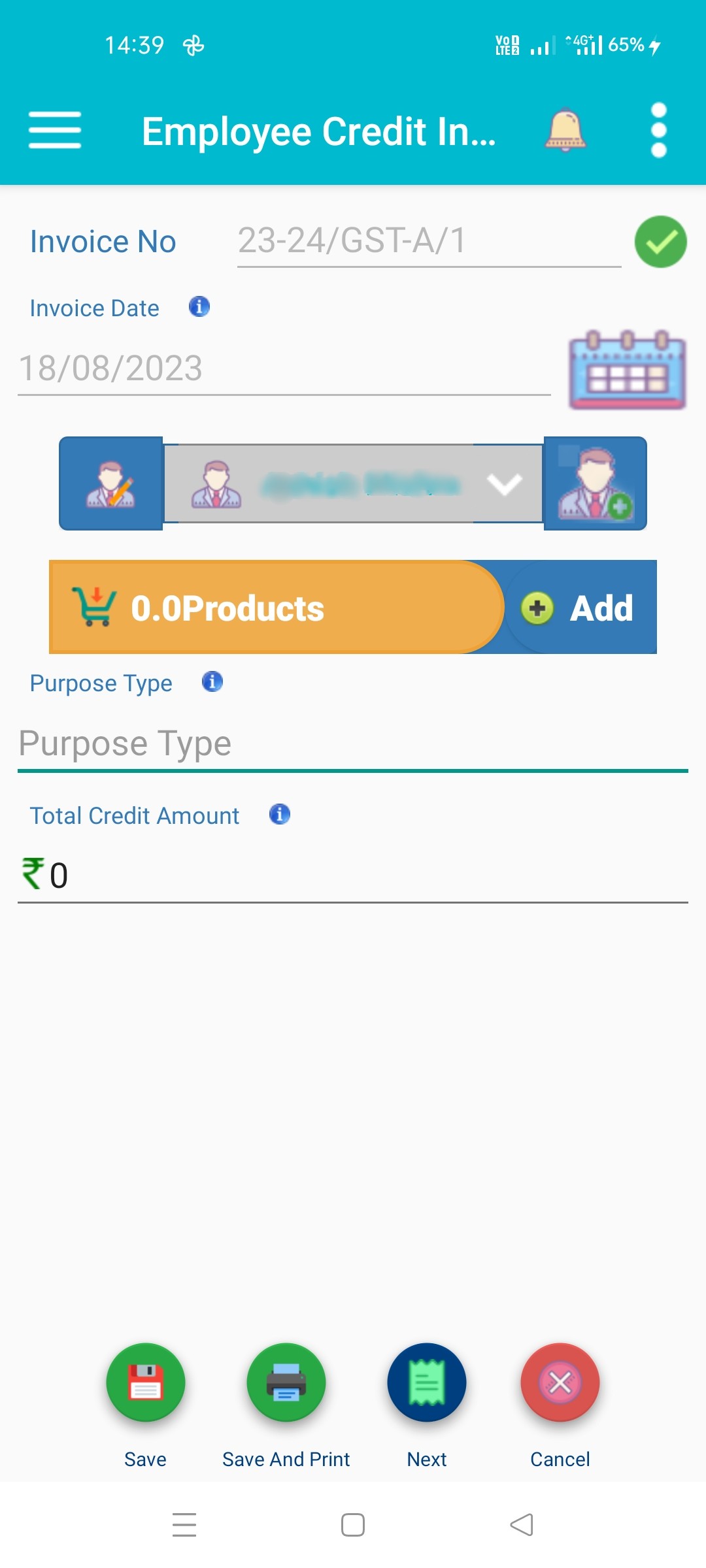
Employee Credit Dashboard allows user to create, edit and delete employee credit information in cash or store products. Credit Information help Store Accounting Tool to auto calculate salary in month financial year. A user to can also manage leverage of advance to employee as per reports. These information can also be download in PDF and EXCEL format to share across all platform. A user can also print employee credit invoice to be signed by employee for future reference.
Last updated 3 mins ago
 Employee Reports
Store Accounting Tool facilitate a user to generate employee reports for a period or month of financial year. Store Accounting Tool process employee basic salary, employee credit information and employee attendance to generate employee report. A user allowed to download in PDF or EXCEL format and also can be print from mobile printer to be signed by employee for future reference.
Last updated 3 mins ago